Portfolio
Apps we've built and shipped.
Three native Android applications and a desktop AI workbench, each built end-to-end — from architecture and gameplay or data logic through to shipping.
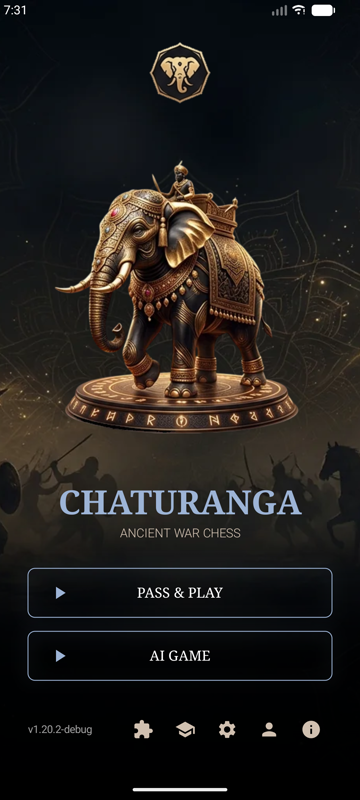
CHATURANGA — Chess Ka Baap
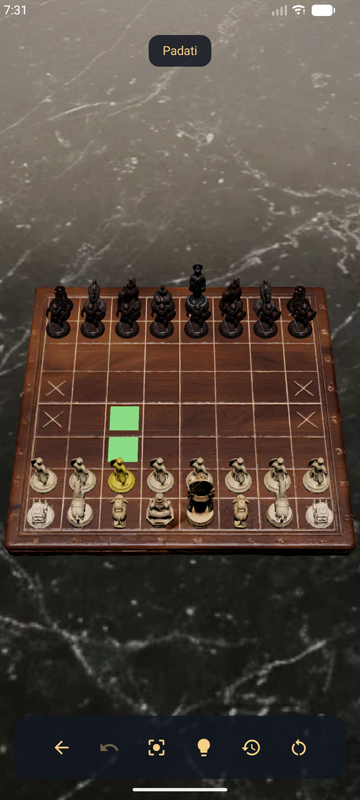
Google Play — coming soonCHATURANGA brings the ancient Indian predecessor to chess to Android, with three historically documented rulesets spanning roughly 500 to 800 AD: the Ancient Indian original, the Indo-Persian Chatrang synthesis, and a modern Scholar's Reconstruction for familiar checkmate-based play. The board is rendered in real time 3D, with authentic Sanskrit piece names and Devanagari script throughout.
Key features
- Real-time 3D board with orbit, pinch-zoom, and camera reset
- Five-level AI opponent built on iterative-deepening alpha-beta search
- Ranked timed play with ELO rating and per-game statistics
- Daily puzzle, login streaks, and post-game move-by-move replay
- Interactive first-launch tutorial with hands-on practice scenarios
- Available in 14 languages, including full right-to-left support
Isle Games
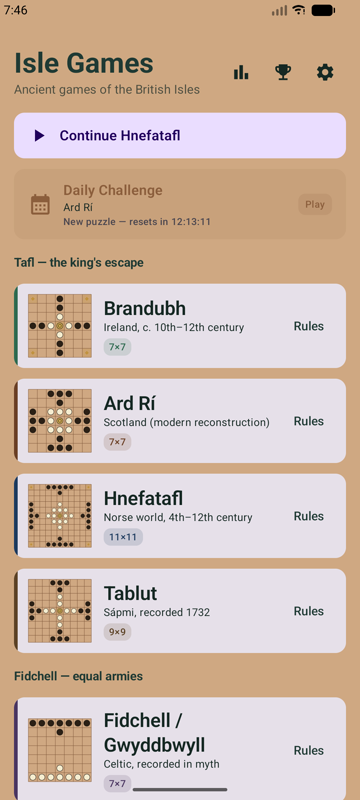
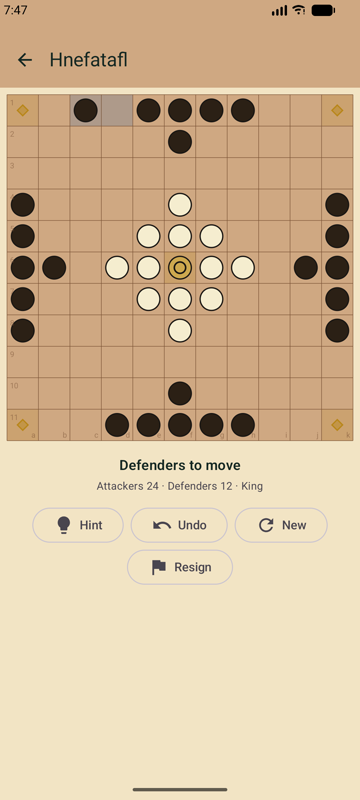
Google Play — coming soonIsle Games is a collection of four ancient tafl board games from the British Isles and the Norse world — Brandubh, Ard Rí, Fidchell, and Hnefatafl, plus the Sámi game Tablut — asymmetric strategy games that predate chess in the region by centuries. All five games share a single rules engine; board size, starting forces, and win conditions are pure configuration, letting each game stay historically faithful to its regional variant.
Key features
- Five historical tafl variants in one app, from 7x7 up to 11x11 boards
- On-device minimax/alpha-beta AI opponent for every variant
- Per-game rules and history pages with honest authenticity notes
- Clean 2D canvas board rendering with Material Design 3
- Fully offline play — no account or network connection required
GraphMaker
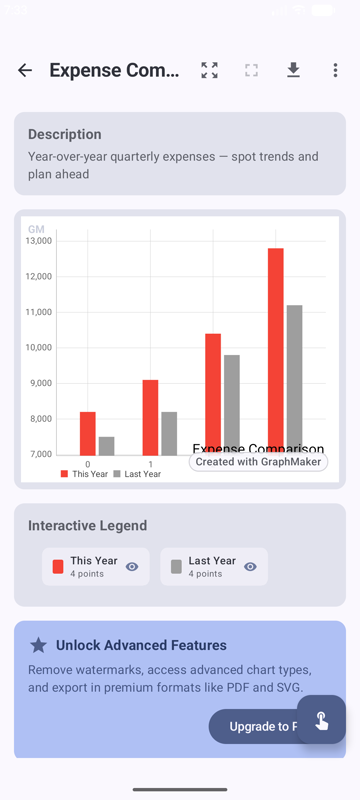
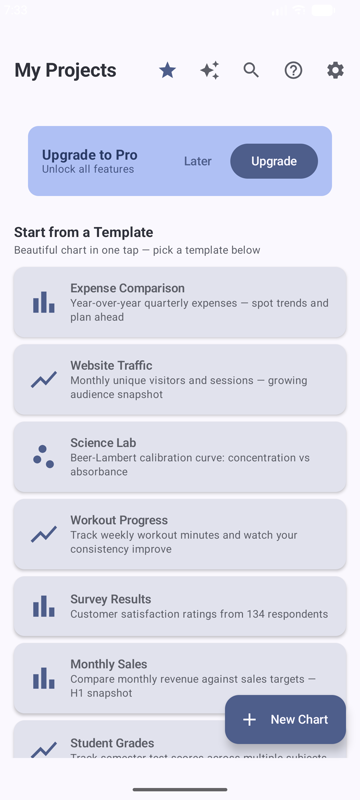
Google Play — coming soonGraphMaker turns raw data into polished, presentation-ready charts on Android. Import data by hand, from CSV, JSON, or Excel, or by pasting it directly, then choose from nine chart types and export the result as an image, PDF, or spreadsheet. An optional Pro tier adds cloud backup to the user's own Google Drive or OneDrive account, unlimited projects, and advanced trend-line analysis.
Key features
- Nine chart types: line, bar, pie, scatter, area, histogram, box plot, bubble, and more
- Seven trend-line models, including linear regression and Theil-Sen
- Import from manual entry, formulas, CSV, JSON, Excel, or copy-paste
- Export to PNG, JPG, PDF, SVG, CSV, or Excel
- Optional cloud backup to the user's own Google Drive or OneDrive
Desktop AI
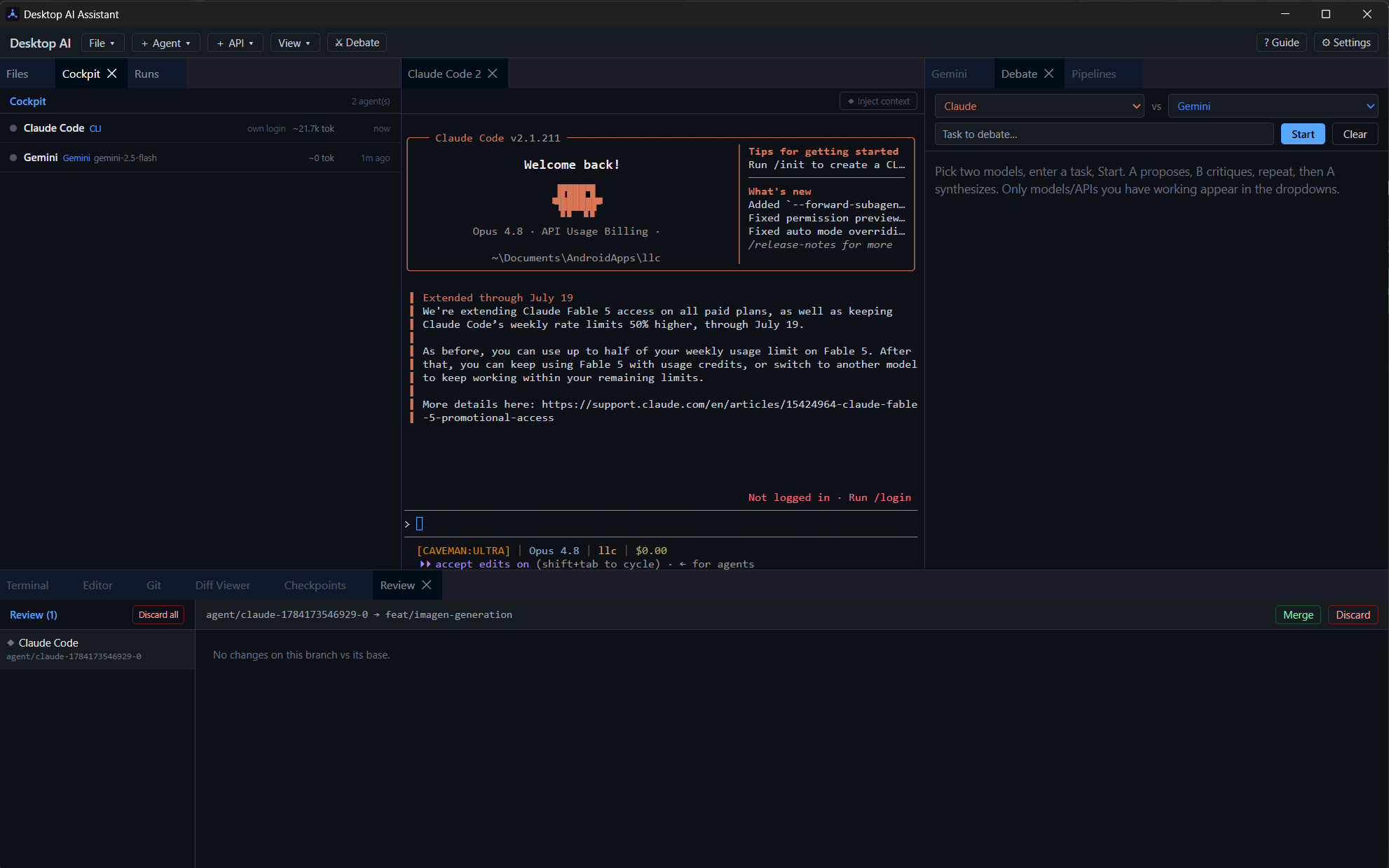
Desktop — open source coming soonDesktop AI is a command center for working with multiple AI coding agents at once. Run Claude Code and Gemini side by side in one cockpit, set two models against each other in structured debates — one proposes, the other critiques, then a final synthesis — and chain agents into pipelines. Every agent works on its own git branch, with built-in diff review, checkpoints, and one-click merge or discard, so nothing lands without a human look.
Key features
- Multi-agent cockpit — run and monitor several AI coding agents in parallel
- Debate mode: two models argue a task, then synthesize a stronger answer
- Agent pipelines for chained, multi-step workflows
- Per-agent git branches with integrated diff review, checkpoints, and merge gating
- Built-in terminal, editor, and git tooling in one window
Want something built like this?
Every app above was designed, engineered, and shipped end-to-end by the same studio. Let's talk about your project.
Start a conversation